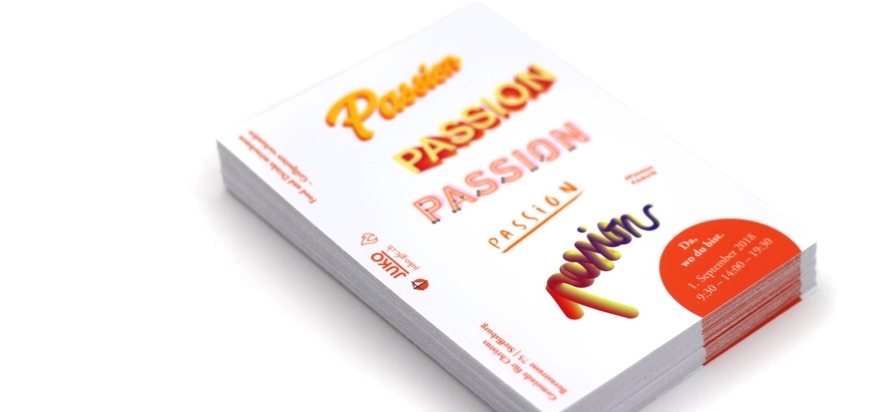
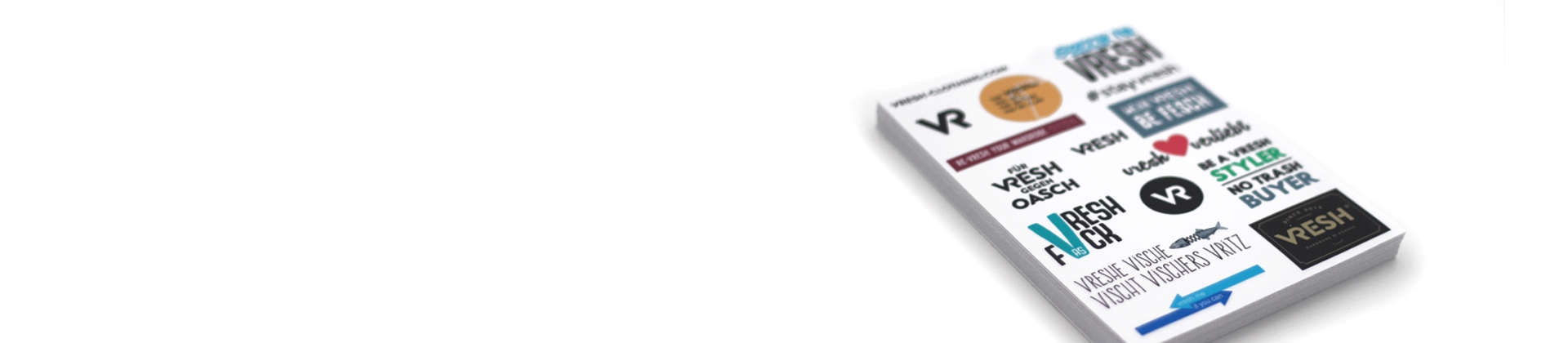
Sticker sheet with pre-cut stickers

Be creative! This sticker sheet allows you to print different designs on the same page. The surface around the stickers can also be personalised, which makes it ideal if you’re looking to create a unique and personalised sheet. Additionally, each sticker on the sheet can be pre-cut. They’re just as durable as our other multipurpose stickers. The size of the sheet is 100% customisable.


 

  • Choose a size
  • Choose a quantity
  • Upload your design
  • Complete your order
  • Receive a print proof

Size

x

Quantity

finish

The Yeti’s user guide

The Yeti walks you through the key steps to send a print-ready file and achieve a spot-on result.

Whether you work with Illustrator, use Canva or collaborate with a graphic designer, simply use the tool that works best for you.
  1. Choose the right size

    You can select one of the standard sheet sizes available on the website (A5, A6, A4, etc.) or choose a custom size.

    👉 Just make sure your final file has exactly the same dimensions.

    Example : If you order an A5 sheet, your file must be 148 × 210 mm.

  2. Place your stickers

    You can place as many stickers as you like on your sheet – as long as everything fits inside.

    You’re in charge of the layout: the Yeti does not handle positioning.

    1. Technical requirements
      1. Kiss cut (half cut) = stickers inside the sheet
        • Make sure stickers don’t touch each other → minimum spacing 4 mm
        • At least 2 mm bleed around each element
        • At least 1 mm inner margin
      2. Full cut = outer contour of the sheet
        • Keep around 5 mm of safe space around the sheet
        • At least 2 mm outer bleed for the sheet
        • At least 2 mm inner margin for non-cut elements (e.g. text)
        • At least 4 mm inner margin for cut elements (this ensures the required 2 mm bleed)

    This way, you can be sure that nothing important gets cut off :)

    💡 Pro tip: For extra impact, feel free to design the background of your sheet with color, text or illustrations.

    If your sticker sheet includes graphic elements around the inner cut shapes, you must provide the fully laid-out file. We don’t make any graphic changes – our designer only creates the cut lines.

    Add bleed if you want colored or patterned stickers without a visible white border.

  3. Save in the right format

    Accepted file formats:

    • Vector formats*: AI, EPS, PDF or SVG – the best option! (mandatory for white ink on holographic material)
    • Image formats: TIFF, EPS, PSD or JPG (PNG and BMP are also accepted)
    * All graphic elements and text must be outlined / vectorised.
  4. Check the quality

    For a sharp, professional print, please use a file:

    • with a 300 dpi resolution – minimum 200 dpi
    • in CMYK colors (preferred) or RGB (we’ll convert if needed)

    All files must be supplied at scale 1:1, meaning at the final desired sticker size. Enlarging an image afterwards may cause pixelation and affect print quality.

    Example: For a 5 × 5 cm sticker, the file should be at least 591 × 591 pixels. No need to be an expert: if your file looks sharp on screen, it will usually print well too.

The Yeti’s little extras

  • Once your file is uploaded, you can leave instructions in the dedicated comment field.
  • If there’s any doubt after receiving your file, the Yeti will contact you personally.
  • If your file doesn’t include a cut line, the Yeti will add it for you – just make sure to specify which shape should be cut.
  • No worries in any case! You’ll always receive a digital proof for approval before printing :)

Tip

Do you have very specific requirements and need help creating a truly unique sticker? The best solution is to work with a professional graphic designer, who will take care of quality, format, cut line… and style!

More technical details can be found here.

For any other questions, feel free to check out our FAQ.

Premium quality stickers
  • Free shipping over 199.-
  • Premium vinyl
  • Fast production and delivery
  • Extremely resistant
  • Made in Switzerland